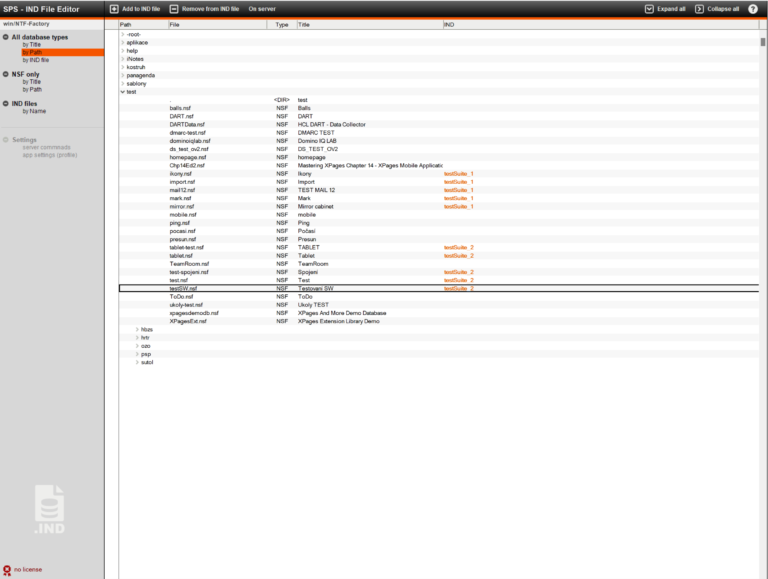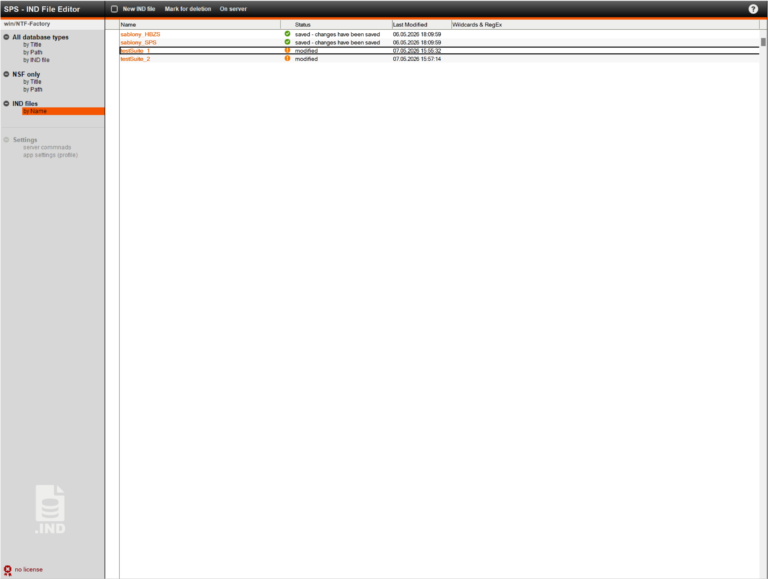
Indirect files (*.ind) are files stored on the Domino server that contain a list of individual databases or directories. These files can be used as a parameter to run tasks such as fixup, compact, updall, dbmt, design, convert, or replicate.
In order for an administrator to create or edit these files, they typically need access to the file system where the server is running. This is not always the case. That is why this application was created; it allows users to create and edit indirect files directly from the Notes client or even Nomad.
How to get
If you would like more detailed information, a demonstration or a price quote, please do not hesitate to contact us.
Install and config
- Create an application on the server where you want to work with IND files. For the application to work with files on the server, the application must be located on that server; it cannot be on the client’s local machine.
- Sign it with by adequate ID (that are allowed to run unrestricted operation in LotusScript on server). Or you can sign template and create application from it.
- Set the ACL for app. The Admin (person or persons group) should have the supervisor role set to access the application settings. The server on which the application runs must also have full access and the permission to delete documents.
- Set the application setting (Settings / Application setting in navigator or in menu). Important setting is Home server on first tab. Explanation of each item is directly in the settings.
- A valid license must be entered in the application settings. The procedure is described in a separate
- document. Without a valid license, the application will not allow you to save changes made to IND files.
Usage
First, you need to load the existing NSF & NTF files on the server, as well as the existing IND files. Use the On server / Load All menu option. This action triggers an agent on the server, so it usually takes a little while for the action to complete.
Note: In the current version, NSF and NTF files are loaded from the system database catalog.nsf. If you have made changes to the NSF and NTF files since the last update of the catalog.nsf, those changes will not be reflected.
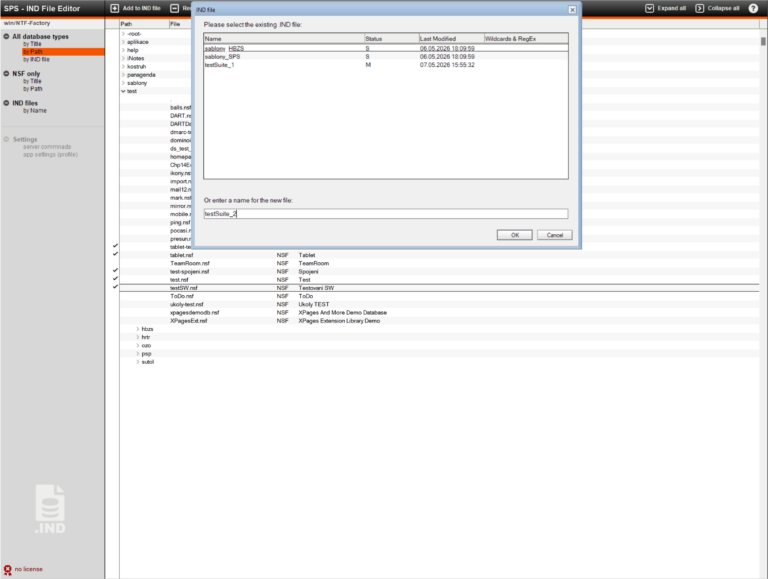
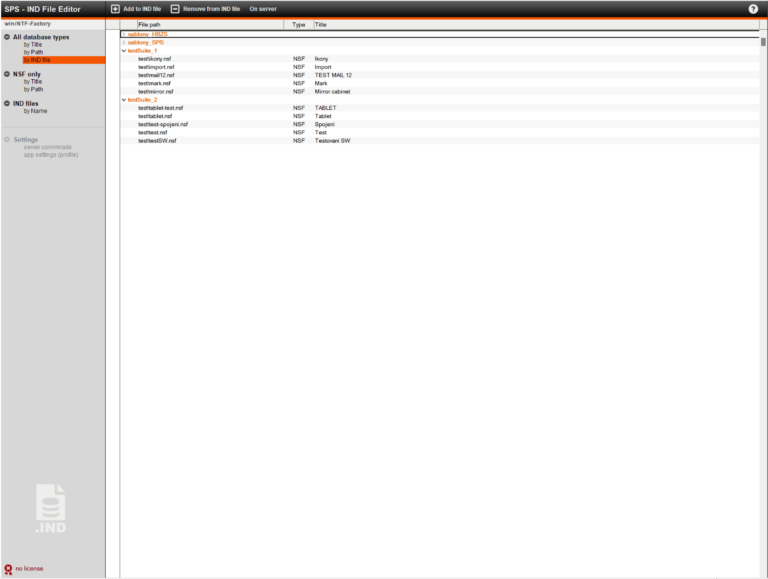
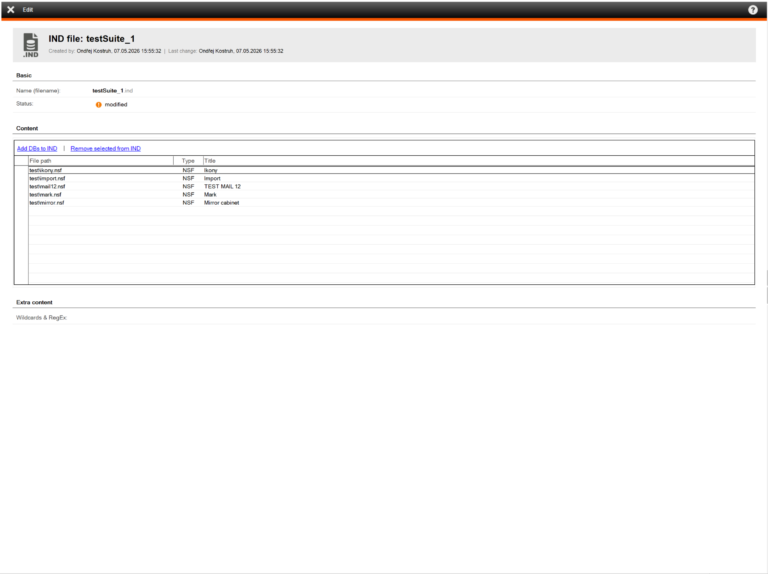
Once the databases have been loaded, you can start editing IND files and creating new ones.
After you have finished making changes to the IND files, you can save them to the server by selecting the On server / Save changes menu option. Only new or modified IND files will be saved. Alternatively, IND files marked for deletion will be deleted.
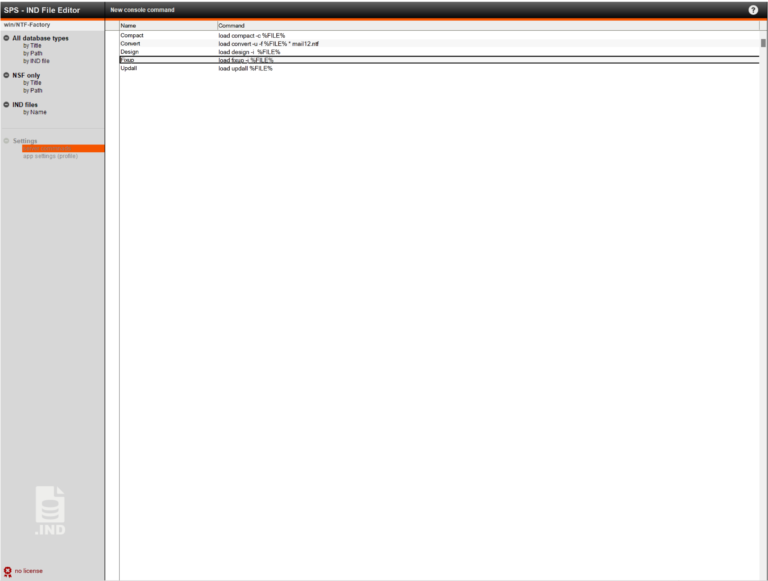
The app also allows you to send a predefined console command to the server. Users can define their own templates for these commands in the Settings / Server Commands section.
Planned additions
Based on your feedback, the application may be further expanded.
The planned expansion involves the automatic selection of user’s mail databases for inclusion in IND files based on a user’s group membership or based on the information in the Person document in the Domino directory.